
The transactions arrive on their own
Link an account through Plaid and history comes back with it, so the first report you run has real numbers in it. New transactions land as they post, routed to the right asset by the account they arrived on — no CSV exports, no re-keying, no month-end catch-up.
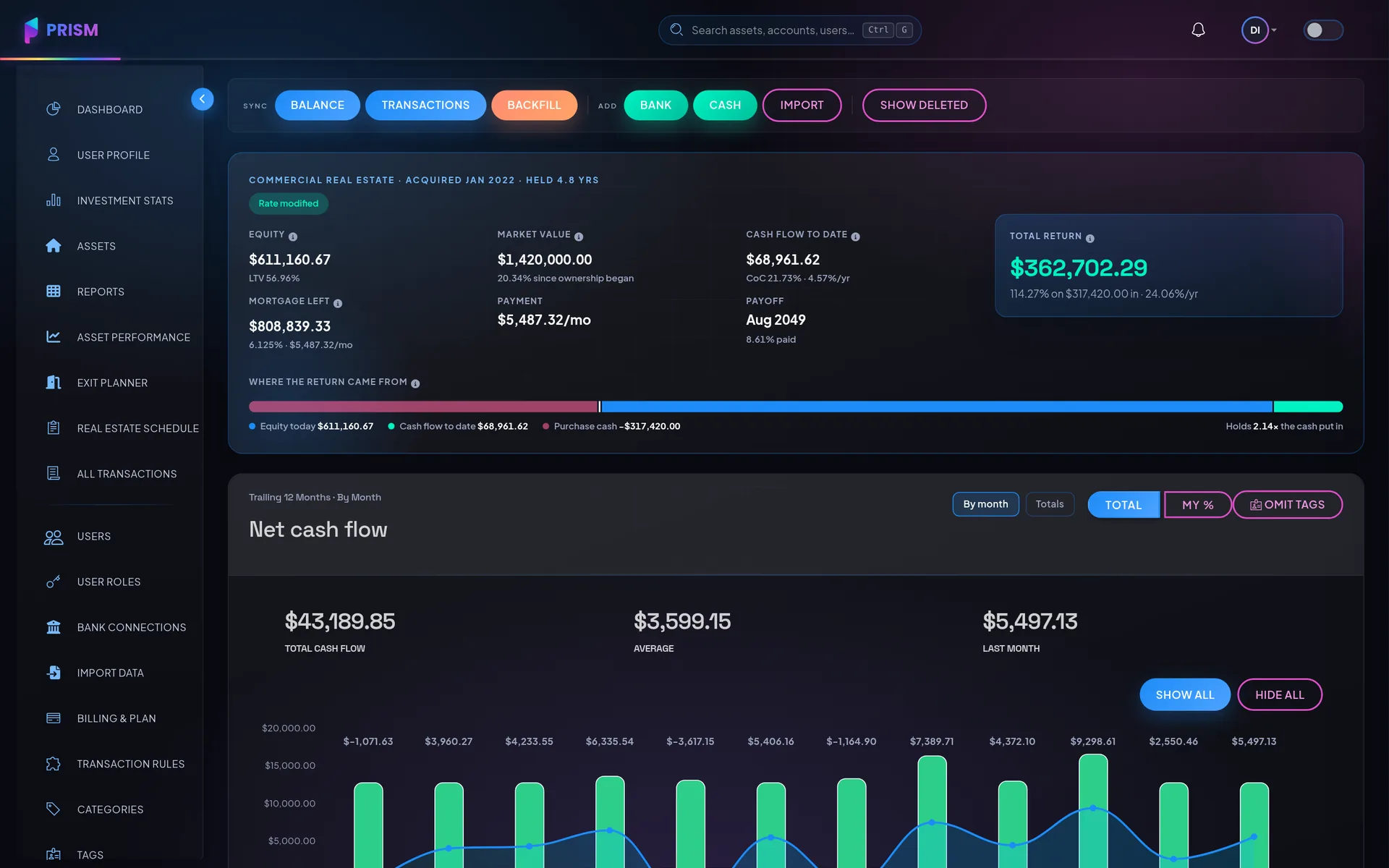
Many accounts, one asset
An operating account, a reserve account and a security-deposit account can all sit under one building.
Many assets, one connection
Several properties held at the same bank share a single connection, and each transaction still lands on the right one.
Pending becomes posted
A pending charge is shown as pending, then reconciled when it posts — not duplicated.
Cash still counts
Anything you did not pay from a connected account is entered by hand and behaves identically everywhere else.
How it works
Link the account
Through Plaid, in the bank's own login screen. Prism never sees the password.
History comes back
Past transactions arrive with the connection, so the books start full rather than empty — and anything older than the bank will send can be imported from a CSV, statement by statement.
New ones keep arriving
Synced on a schedule and routed by account, then categorized on the way in.
How do bank connections work?
My bank only synced a few months of history. Can I get the rest in?
Can one property have more than one bank account?
What about cash, Venmo, or a card I have not connected?
Is my financial data secure?
More of them on the full FAQ.
Next to this
Put it to work on your own numbers
Add one asset, link one account, and see what a month looks like.