
Metrics computed from the books, not typed into a form
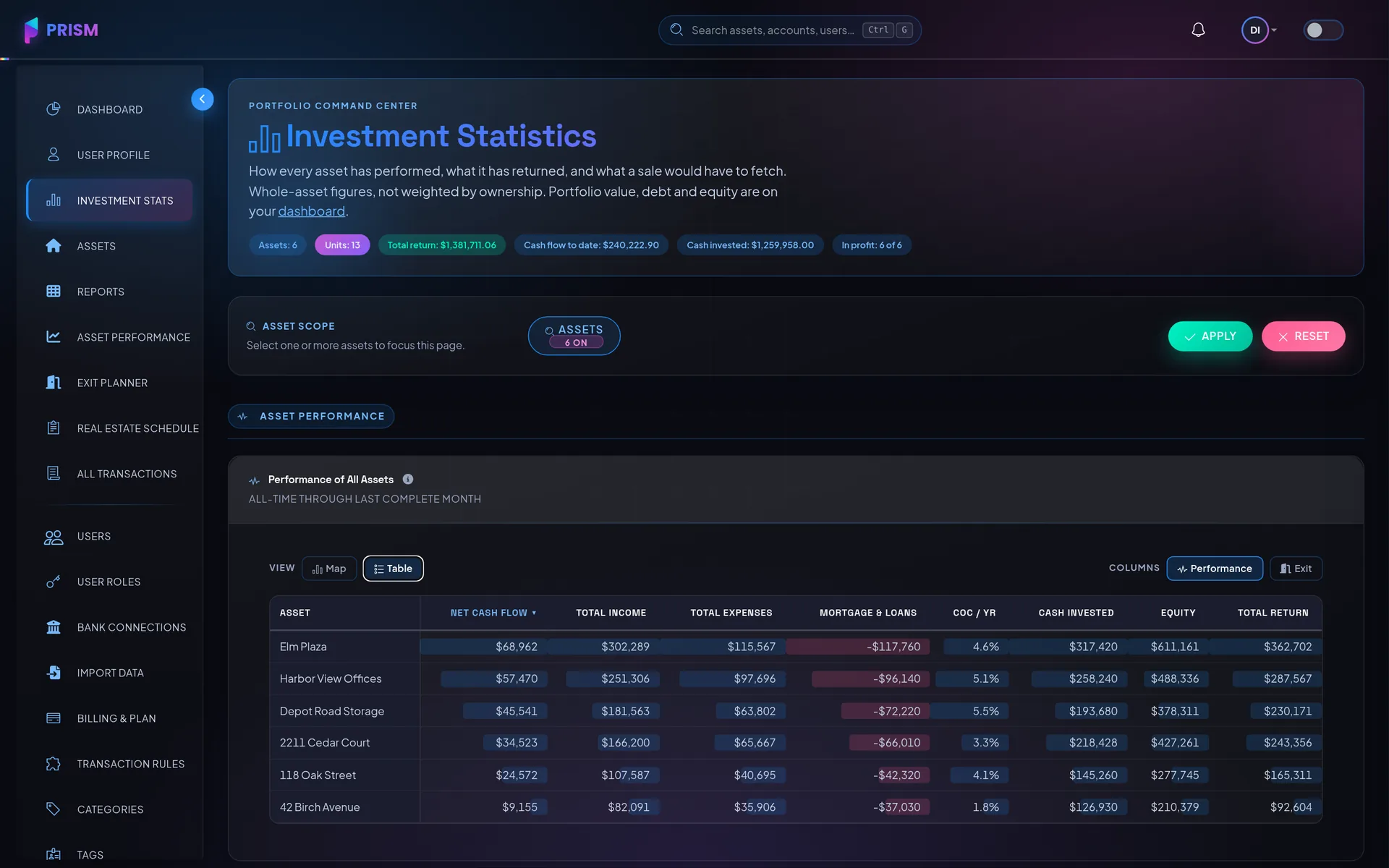
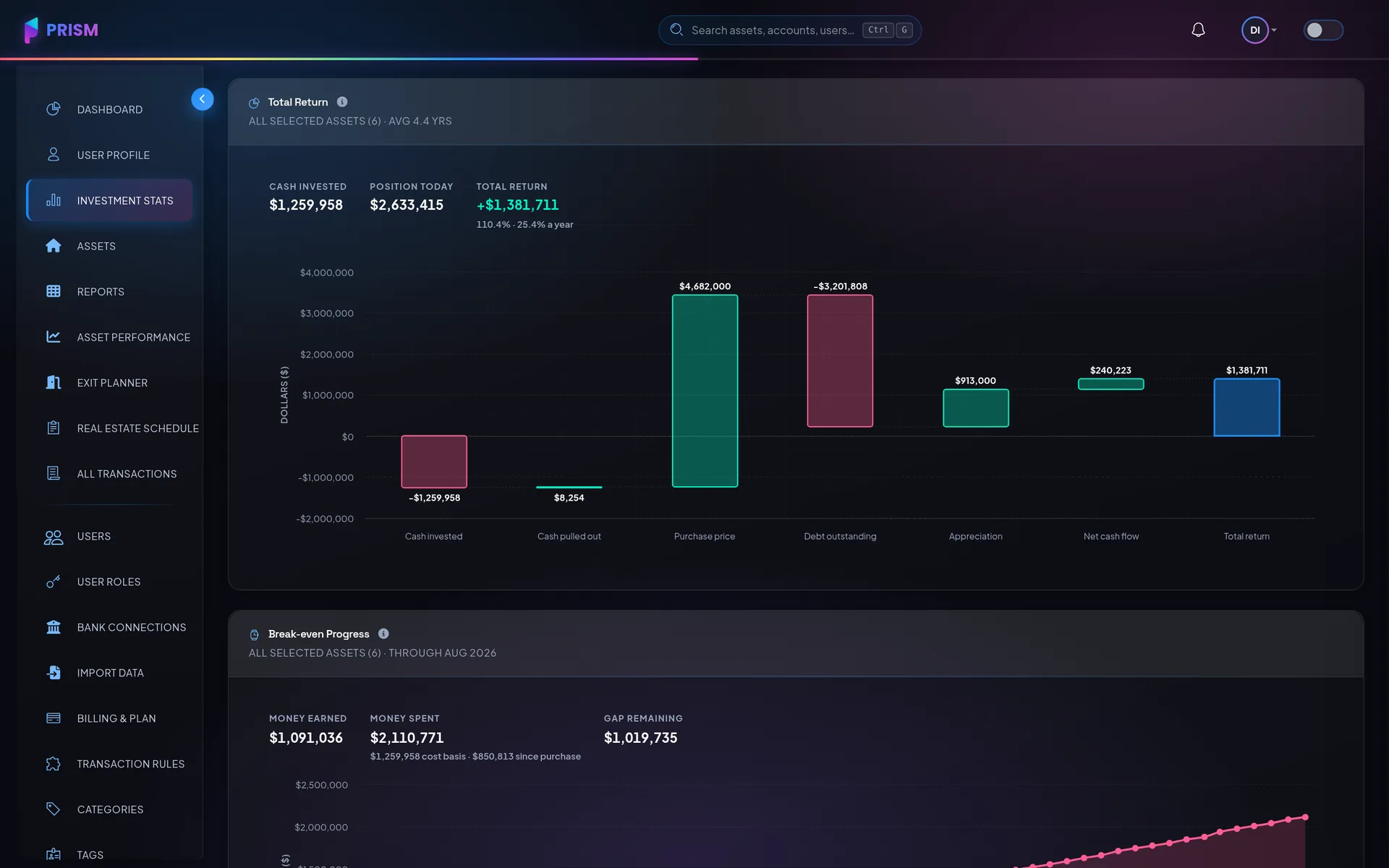
Every number on the performance screen traces back to a transaction or a loan term you already recorded. There is no metrics tab to keep up to date, which is why the numbers are still right in March.
The six that matter
DSCR, cap rate, LTV, NOI, ROI and cash-on-cash return, per asset and rolled up across the portfolio.
Risk, not just return
Cash-flow stability, vendor concentration and interest-rate risk — the things that decide whether a good year repeats.
Your share or the whole asset
Ownership percentages are applied where they belong, so a partner sees their own numbers.
It moves when the books move
A recategorized transaction or a recorded refinance changes the metrics, because they are the same data.
How it works
Record the asset
Purchase price, cash in, loan terms — the money questions asked in the words your deal actually used.
Let the transactions land
Bank sync and categorization decide what is income, what is an expense, and what is neither.
Read the metrics
Computed per asset over any window, and exportable with the rest of the reports.
Which performance metrics do you calculate?
I own things with partners. Can I track just my share?
Can my accountant use this at tax time?
More of them on the full FAQ.
Next to this
Put it to work on your own numbers
Add one asset, link one account, and see what a month looks like.